Getting started
Understand account types, application review and where to begin.
Everything you need to know about distributing with CRY DIGITAL Media.
FAQ search, knowledge categories and support-routing experience.
 VISUAL 29 MOTION READY
CRY DIGITAL Media is a global digital music distribution service built for independent artists, labels and creators. We deliver your music to leading streaming and social platforms worldwide while you keep full ownership of your rights.
We distribute to 150+ platforms including Spotify, Apple Music, YouTube Music, Amazon Music, Tidal, Deezer, TikTok, Instagram, Facebook, Pandora, JioSaavn, Boomplay and many more.
Yes — always. Artists and labels retain full ownership and copyright of every release. We never claim ownership or control over your catalog.
Artists earn up to 100% of net streaming and download revenue, minus any optional plan fees. Royalty reporting is transparent, auditable and regularly updated.
Standard releases typically go live within 1–3 business days after approval. Priority releases can be live within 24 hours.
Yes. CRY DIGITAL Media offers detailed royalty reports, streaming analytics and audience insights directly from your artist dashboard.
Absolutely. Upload singles, EPs and full-length albums with flexible scheduling, pre-save campaigns and label-grade metadata.
Payouts are processed monthly once your balance reaches the minimum threshold (configurable per plan). Withdraw via supported methods directly from your dashboard.
Yes. CRY DIGITAL Media provides YouTube Content ID to help you monetize your music on YouTube and protect it from unauthorized reuploads.
Independent artists, bands, producers, songwriters and labels worldwide — whether you are just starting out or already established.
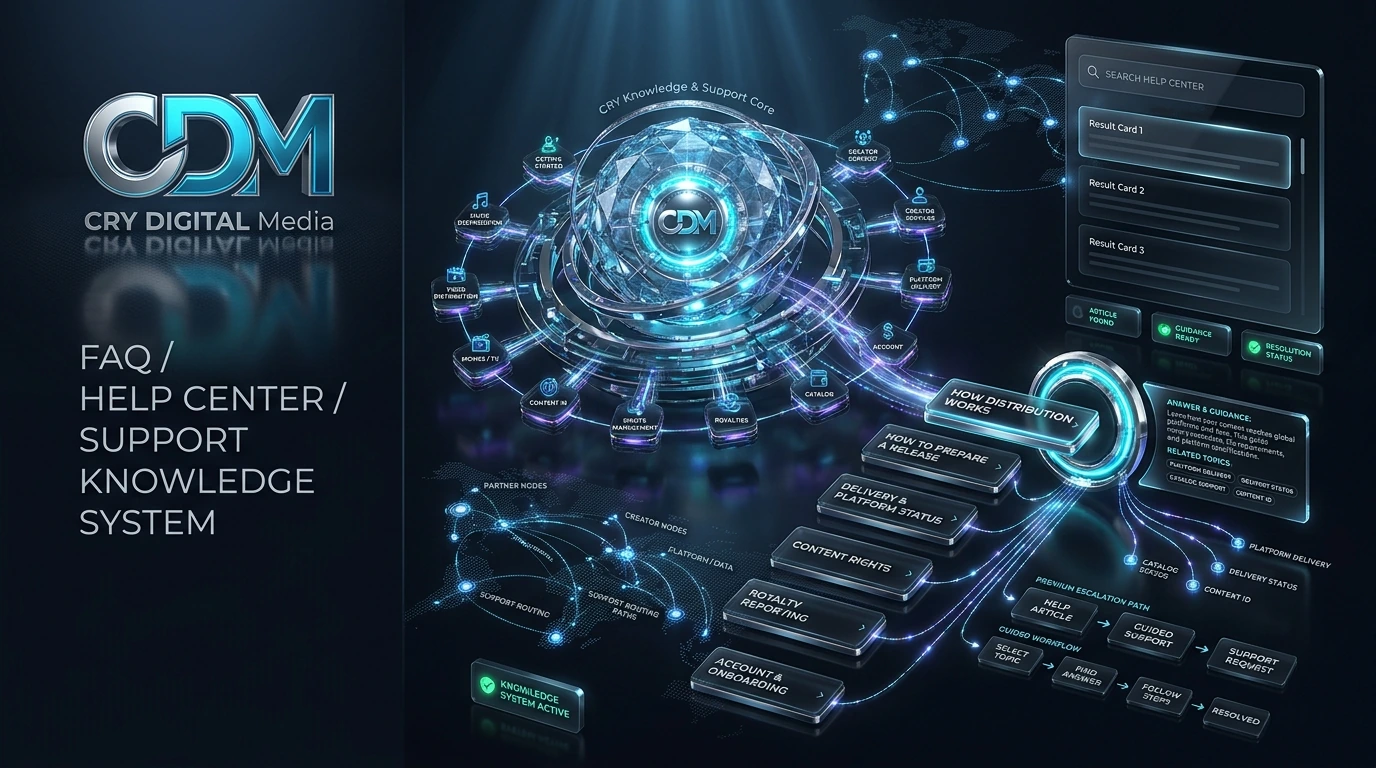
The Help Center is organised around the tasks visitors actually need to complete: getting started, distribution, rights, royalties, catalog, delivery, account access and partner support. Static answers remain indexable while interactive behaviour improves navigation.
Understand account types, application review and where to begin.
Find preparation, metadata and delivery-status guidance.
Understand ownership, Content ID, licensing and protection workflows.
Navigate reporting, statement and payout explanations.
Find version, metadata, tracking and action-required guidance.
Move from self-service information to the appropriate contact or support path.
FAQ content includes internal links so users can continue into the relevant service or policy instead of stopping at a generic answer.
The answers are written into HTML, making them available to search engines and users even if interactive scripts fail.
No. Public help and policy pages are available without signing in.
After sign-up, the Pending page uses a private tracking token stored in the browser to check the application status.
Account approval is an admin action and is not automatic.
Use the footer and policy routes for Terms, Privacy, Refund Policy, Royalty Policy, Cookies and Community Guidelines.
Explore the service that fits your catalog, submit a business or creator application, or contact the CRY DIGITAL Media team about distribution, CMS, rights, channel management and platform operations.