Content records
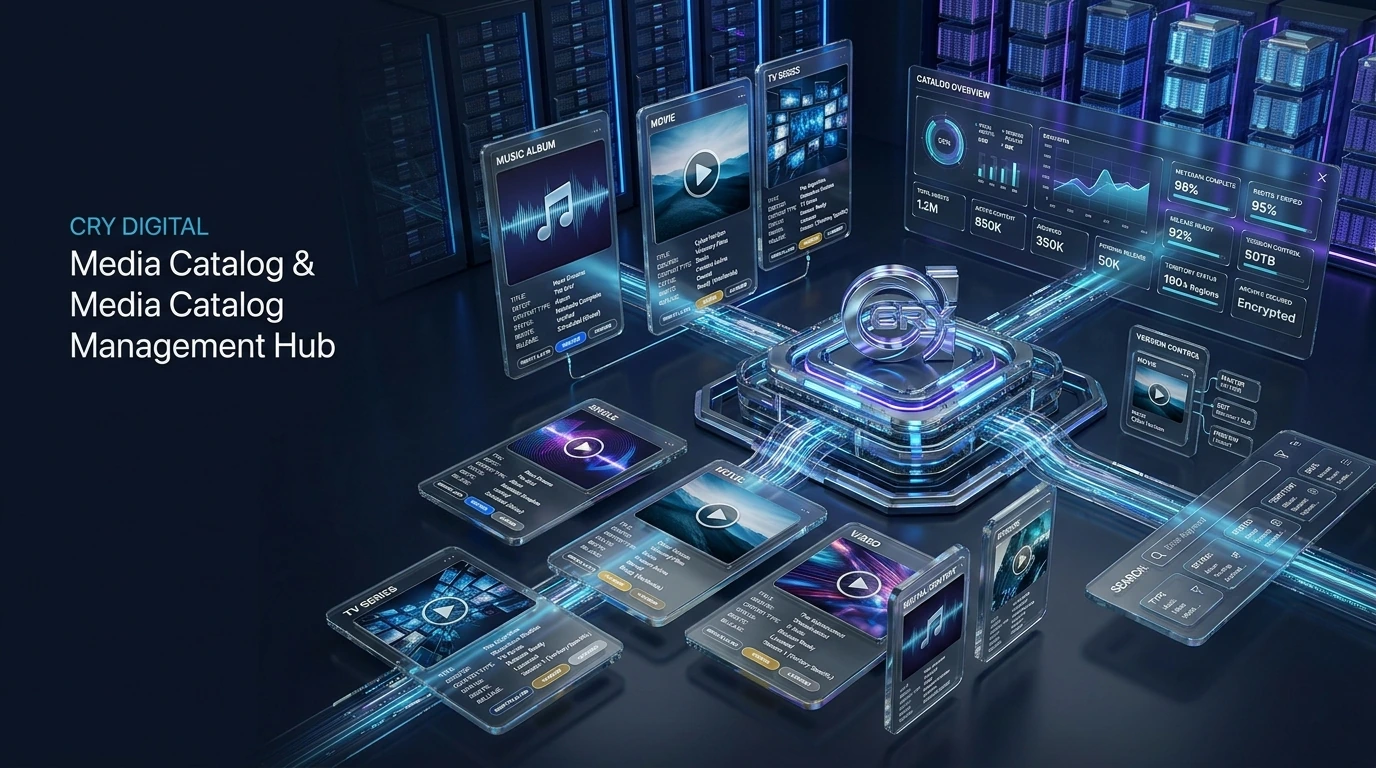
Represent music, video, movies, TV episodes and creator content with consistent identifiers and metadata.
Discover releases distributed through CRY DIGITAL Media — across music, film and digital entertainment formats.
Structured content library, metadata, versions, rights and release status.
 VISUAL 09 MOTION READY
Manage full catalogs and multiple artists from one label-ready dashboard — with delivery, rights and royalty tracking in a single place.
Start your catalogOne console for every release, across every format.
Catalog management is the operational memory of the platform. Every release or title needs a stable record that connects media assets, metadata, versions, rights, delivery history and ongoing status.
Represent music, video, movies, TV episodes and creator content with consistent identifiers and metadata.
Distinguish masters, edits, clean versions, trailers, previews or other approved variants.
Locate content by relevant fields instead of scrolling through an unstructured asset list.
Keep title, contributor, territory and release information connected to the content record.
Associate ownership, licensing and service scope with the catalog item.
See where the item is in its delivery lifecycle and whether an action is required.
A useful content library explains what an asset is, which version is current, who controls it and what has happened to it operationally.
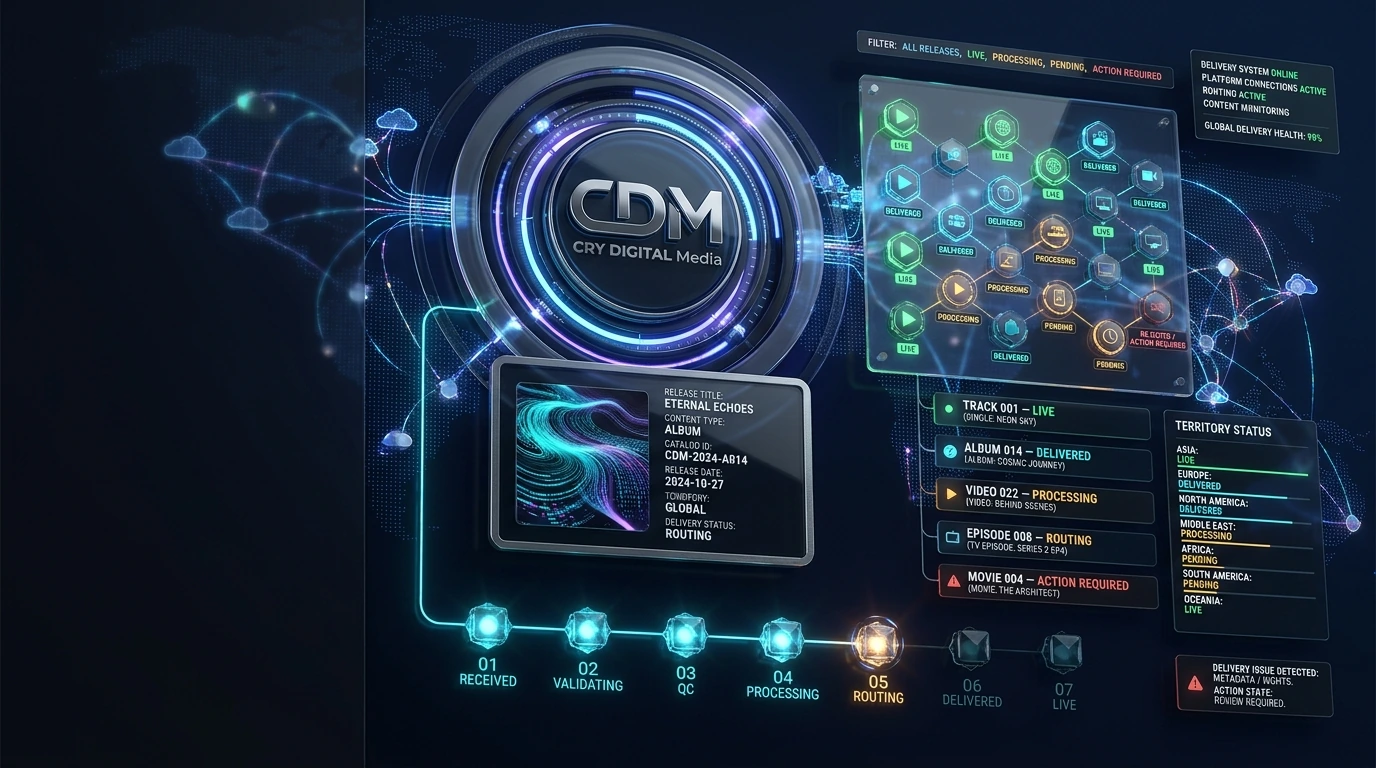
The secondary tracking visual shows how catalog items can move through received, validation, processing, routing, delivered and live states.
The site concept supports multiple media types while retaining type-specific metadata and workflow context.
Yes. Version-aware records help prevent a master, edit or promotional asset from being confused with another variant.
Delivery tracking can be linked directly from the catalog item so the operational history remains connected.
Ownership, licensing and territory context can be associated with the catalog record before or during delivery workflows.
Release status, platform response and action-required monitoring.
 VISUAL 27 MOTION READY
Explore the operational model used to prepare a destination category, validate metadata and rights context, activate routing, send a package and follow status responses. This public interface is an explanatory model; live third-party status requires a connected production integration.
The selected category updates the operational stage below.
Select a platform category to inspect the workflow.
Branding rule: CRY-designed category badges are temporary placeholders. When you send the real platform/channel files, official third-party logos must stay unchanged; only the surrounding glass/chrome tile uses the CRY DIGITAL Media visual language.
A strong catalog is the foundation for distribution, rights, analytics and royalties. The catalog page expands the workflow around canonical records, version control, metadata quality, release relationships, rights context, delivery history and ongoing maintenance.
Create one authoritative record for each approved content item or version.
Separate masters, edits, trailers, clean versions, language versions and other legitimate variants.
Keep title, contributor, language, genre, identifiers and descriptive fields complete and consistent.
Attach media, artwork, subtitles and supporting files to the exact catalog record they belong to.
Keep ownership, licence and territory information connected to the catalog instead of storing it as unrelated notes.
Associate every delivery attempt, response and correction with the catalog record.
Use structured fields so large catalogs can be filtered by content type, status, territory, partner or release period.
Support corrections, updates, removals and future releases without losing historical context.
Explore the service that fits your catalog, submit a business or creator application, or contact the CRY DIGITAL Media team about distribution, CMS, rights, channel management and platform operations.